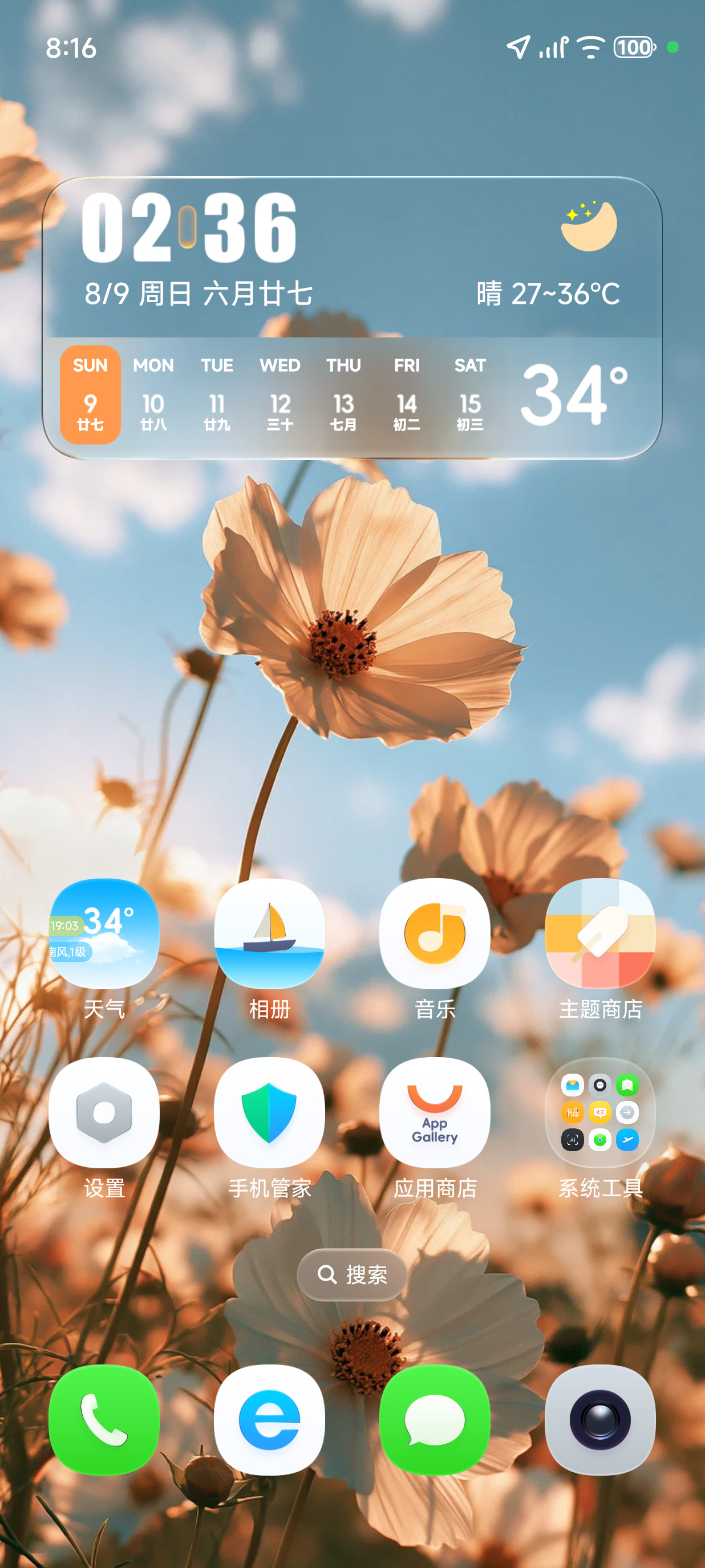
Flow Glass
Default FlagshipTranslucent frosted glass icons, soft bokeh gradients, and high-contrast typography designed for crisp OLED clarity.
Apply & Launch Experience →Samsung Galaxy is world-renowned for deep personalization. Browse our featured theme collections, or import your own MTZ and ZIP theme archives directly into the browser engine.
Every theme includes custom app icons, complementary high-resolution home and lock wallpapers, and stylized widget accents.
Translucent frosted glass icons, soft bokeh gradients, and high-contrast typography designed for crisp OLED clarity.
Apply & Launch Experience →Deep emerald and cyan gradient tones inspired by northern lights, paired with smooth minimalist icon contours.
Apply & Launch Experience →True #000000 pitch-black aesthetic with neon outline glyphs for dramatic contrast and maximum OLED battery savings.
Apply & Launch Experience →GalaxyOS features a client-side decompression engine powered by JSZip and IndexedDB. You can load custom community themes directly from your device storage.
Obtain any compatible MIUI / One UI community theme archive on your iPhone or Android. Ensure the package contains wallpaper and icon asset directories.
Launch the GalaxyOS simulator and open the Themes app. Tap the "Import Theme (+)" button and choose the downloaded file from your device files.
The browser extracts the icons and wallpapers instantly into your local IndexedDB storage. Tap "Apply Theme" to immediately transform your simulator!